
See it in action
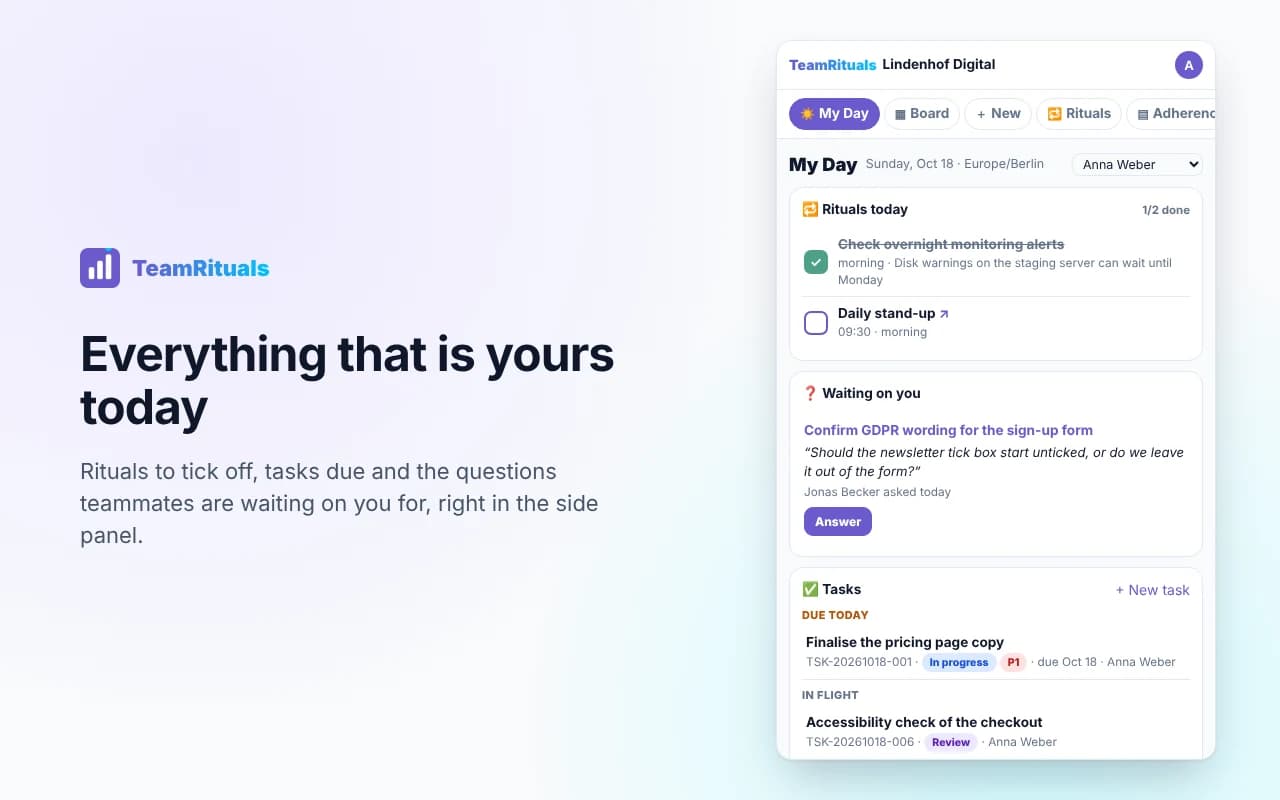
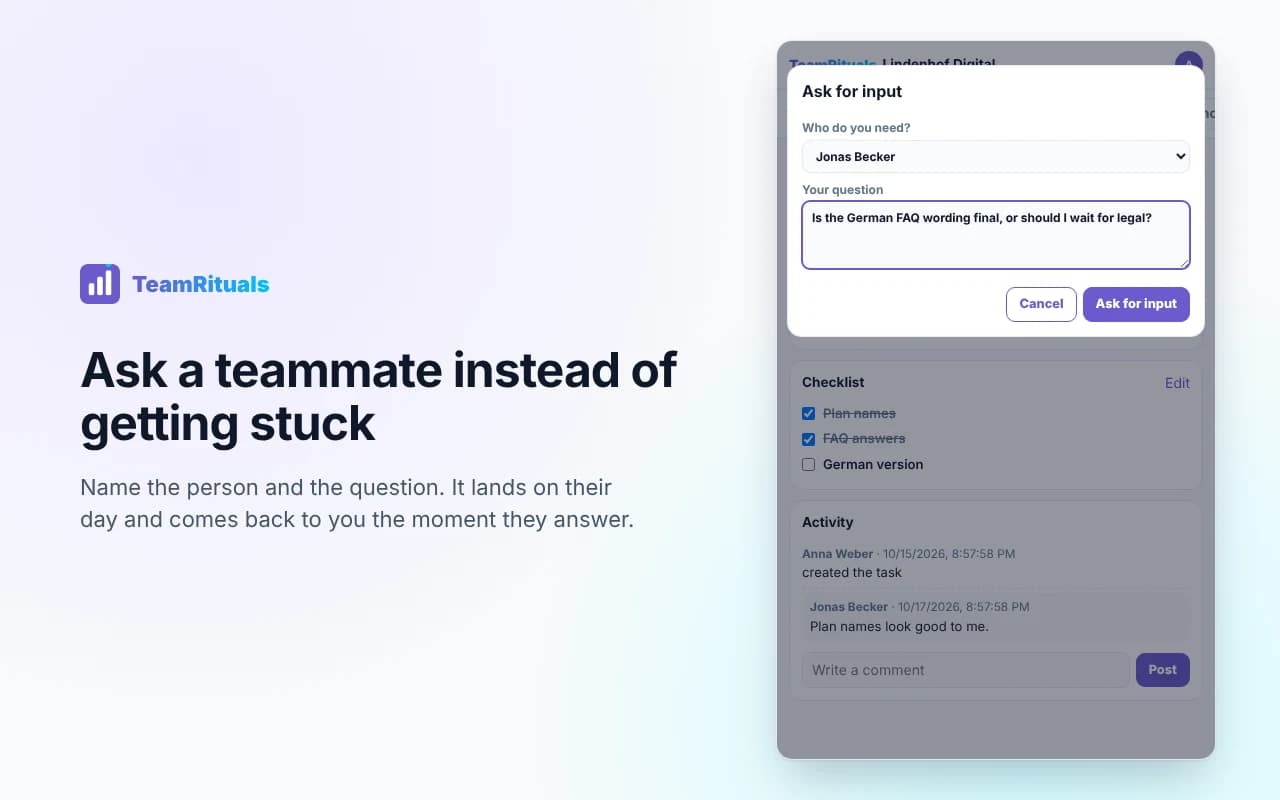
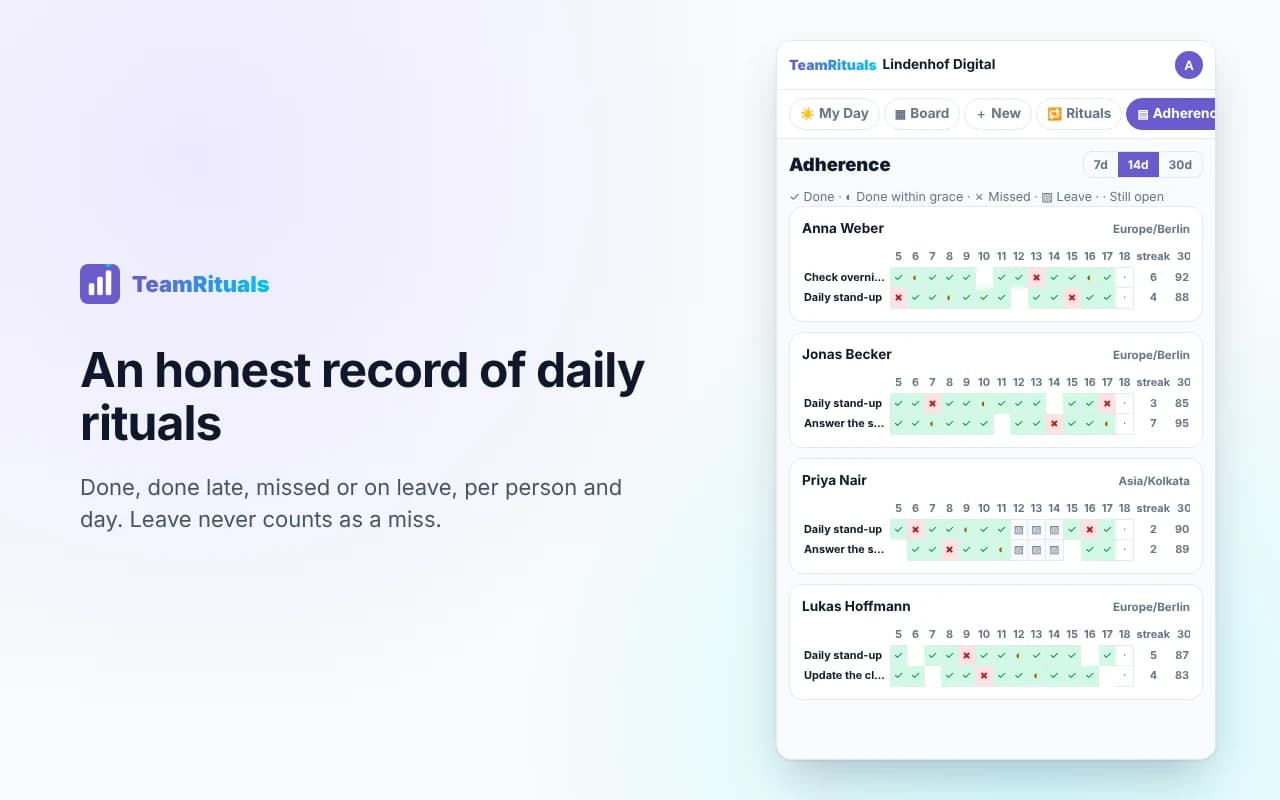
What TeamRituals does
Set up in two minutes
- Install and sign inAdd the extension to Chrome or Edge and sign in with a code sent to your work e-mail. No password to remember.
- Name your teamCreate the team and add your projects, for example “Website relaunch” or “Client onboarding”.
- Invite peopleInvite colleagues by e-mail and choose who is an admin. They sign in with that address and are in.
- Add the few duties that matterFor example “Check overnight alerts” for one person, or “Daily stand-up” for everyone, on the weekdays that apply.
Made for
AgenciesSupport and operations teamsProduct and engineering teamsSmall companiesTeams across time zonesRemote and hybrid teams
Your team’s data, handled carefully
TeamRituals is hosted in the EU (Frankfurt). Each team’s data is separated by the database itself, so one team can never see another team’s tasks or people (to be confirmed before launch). No ads, no trackers in the extension, and your data is never sold.
Your team’s owners and admins can export everything the team entered as one file, or delete the team for good, at any time.
| What | Where it goes | Why |
|---|---|---|
| Names, e-mail addresses, tasks, comments, ticks, leave dates | Our database in Frankfurt (Supabase) | To run TeamRituals for your team |
| Payment details | Paddle, our reseller | To charge the subscription and send invoices; we never see card details |
| Daily counts (no task text) | Your Slack channel, only if an admin turns it on | Morning summary |
Fair use of the adherence record
- The team agrees on its rituals together; TeamRituals shows the record to the whole team, not secretly to managers.
- Leave never counts as a miss, and nobody is asked for a reason for their leave.
- In some countries (for example Germany) a works council has a say before tools like this are introduced. Our data processing agreement and this page help with that conversation.